
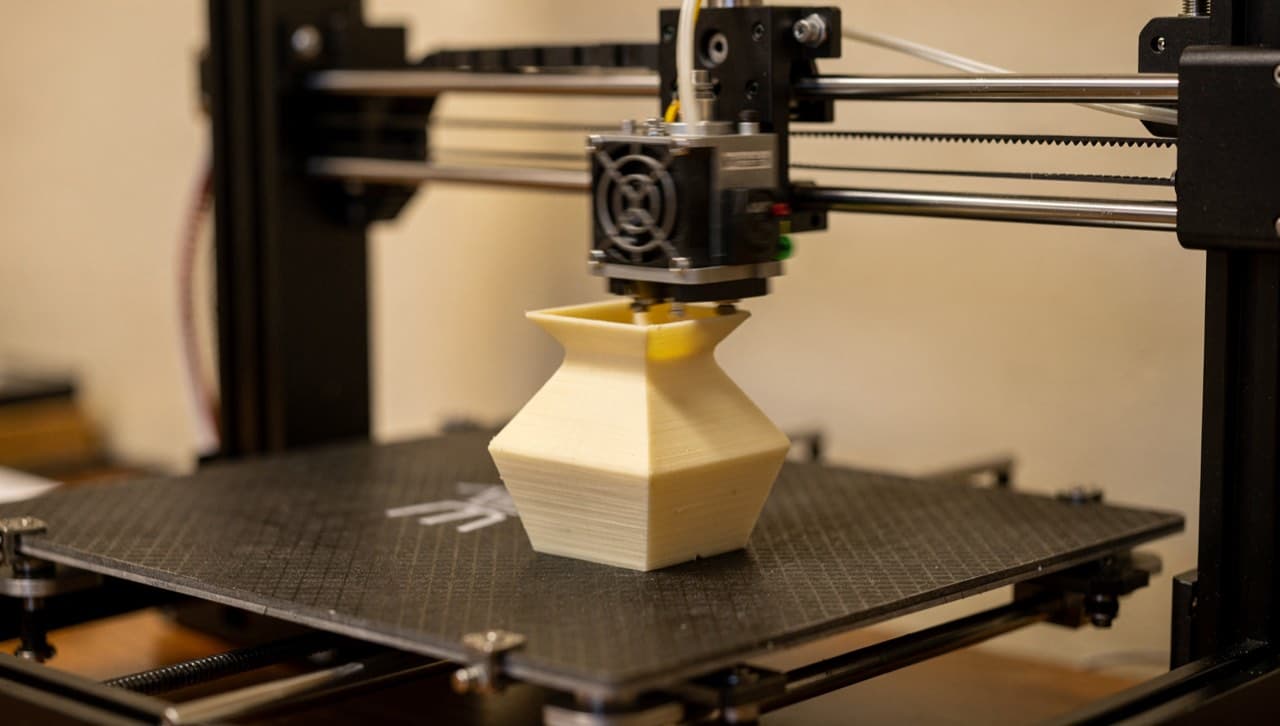
If you've never ordered something 3D-printed before, the experience is a bit different from buying off a shelf. There is no shelf. Every item that ships from this workshop is queued, printed, sanded, and packed after your order lands — usually within a few working days. This guide covers what to expect at each step, what we'll ask you for, and what the print is likely to look and feel like when it arrives.
It's written for the catalog buyer (the most common case) and ends with a short note for custom-quote requests.
Step 1 — Pick a catalog item
The catalog lives at /shop. Eight items at launch, made-to-order. Click into any product page and you'll see:
- A photo or render of the piece
- The price in MYR (and a USD approximation if you're paying from outside Malaysia)
- The colour options we stock — most items come in 3–5 colours; some come in "assorted" mixes
- A spec table with lead time, weight, print time, material, layer height, and our working tolerance (±0.3 mm)
- Notes from the workshop on quirks specific to that part (orientation, finish, care)
If a spec catches your eye and you want to double-check before ordering, the /contact email is the fastest way to ask.
Step 2 — Add to cart, pick a colour, pick a quantity
Cart is local to your browser session (we don't keep accounts in v1). The colour picker on each product page sets the filament; the quantity stepper caps at 100 per line item.
If you want a colour that isn't listed, send a message via /custom instead — we can almost certainly get it from a supplier, just not while you're sitting on the checkout page.
Step 3 — Checkout: address first, payment after
When you click "Checkout" you'll be asked for:
- Your name
- Email and phone (phone is required so we can WhatsApp you the payment-verification confirmation)
- Shipping address. For Malaysia, the state and city dropdowns are cascading — pick state first, then city
- Country (defaults to Malaysia)
Shipping is calculated against your address. Peninsular Malaysia is RM8 base; Sabah/Sarawak is RM15 base; Singapore is RM25; rest-of-world scales up. Lead time is production-plus-shipping — a 3–5 day "lead time" on a product page is the production part; add 2–4 days for the courier.
You'll be redirected to a payment page with a DuitNow QR code and bank-transfer details. Pay using your banking app (Maybank, CIMB, Touch 'n Go, GrabPay, ShopeePay — anything that scans DuitNow), then send us the payment screenshot via WhatsApp using the link on the same page.
Step 4 — Confirmation + status emails
Once we receive your DuitNow payment and your WhatsApp screenshot, we mark the order as paid. You'll get four emails over the lifecycle of an order:
- Order received (immediate) — confirms we got the order, includes the payment instructions for backup reference
- Payment confirmed — once we've verified the transfer in our account
- Printing started — once your item is on the printer
- Shipped — with the Pos Laju or Ninja Van tracking number
You can also visit /track at any time and enter your order number (TI-NNNN) plus the email you used at checkout to see the current status.
Step 5 — When it arrives
A few things to expect on the physical object:
- Layer lines are visible. FDM 3D printing builds the part in 0.2 mm horizontal slices. Hold the part in raking light and you'll see horizontal banding. It's a feature of the process, not a defect. See the tolerance guide for the engineering reason this exists.
- The colour is true-to-spool, not true-to-screen. Filament colours look slightly different from screen rendering — usually more matte and slightly less saturated. We pick spools from suppliers that have decent colour consistency, but a "translucent blue" is still going to look more like real plastic than a Photoshop swatch.
- The fit is good, not metric-perfect. If you bought something that mates with another object (a phone stand, a coaster, a cable organiser), it will work — but the dimensions are the model's, not micrometre-checked. If the fit fails, email us.
- Light maintenance keeps it good. PLA softens above 55 °C — keep prints out of cars on sunny afternoons. PETG and TPU are tougher; assume the catalog item is PLA unless the product page says otherwise.
Custom-quote requests (different flow)
Catalog buying is the fastest path. If you want something that isn't in the catalog, the /custom flow is the right starting point. Send a brief description (or a sketch, or an STL file), and we'll reply within one working day with a quote, a lead time, and a recommendation on material and orientation.
Custom-quote orders have one specific difference from catalog orders: once printing starts, custom prints are non-refundable. We always confirm the quote and material with you before we start, so this is a "no surprises" policy — the line is drawn at when filament hits the bed. Full terms live at /terms.
If you're unsure whether your project fits FDM (maybe it needs higher tolerance, maybe it needs to be food-safe, maybe it's structural), the intake form is the place to ask. We'd rather tell you we're wrong for the job than disappoint you on delivery.